
WELCOME TO WIFI SETUP FOR DP DEVICES!
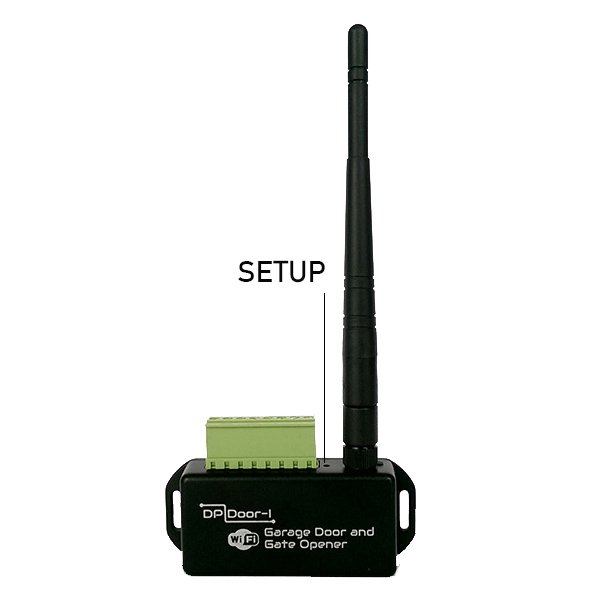
- Apply a short press to the SETUP button
- On a device capable for internet browsing, open the list of available wireless networks, find the SECURECOM DEVICE network and connect to it
- With available internet browser open the site dpsetup.eu page
- On the web site, enter the settings requited to connect to local wifi network and press save
- Press the SETUP button again
- All other settings can be changed on web site www.puloware.com


